Innovation Guides
Events Management Speaker Portal
Set your event speakers up for success with the information and content they need for their events—all in one place.
Overview
The Veeva Vault CRM Events Management Speaker Portal helps life sciences speakers access all their event information in one place.
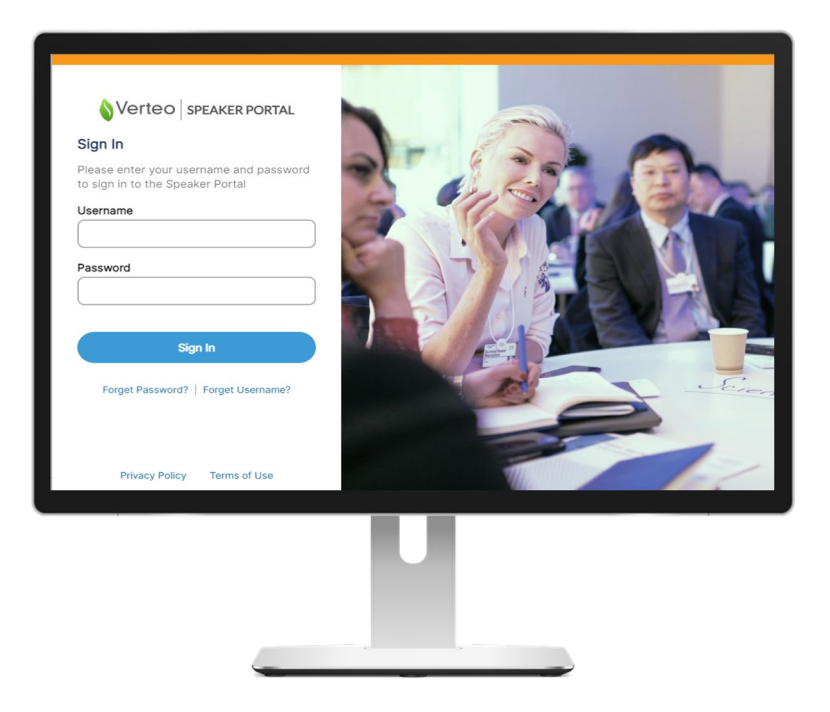
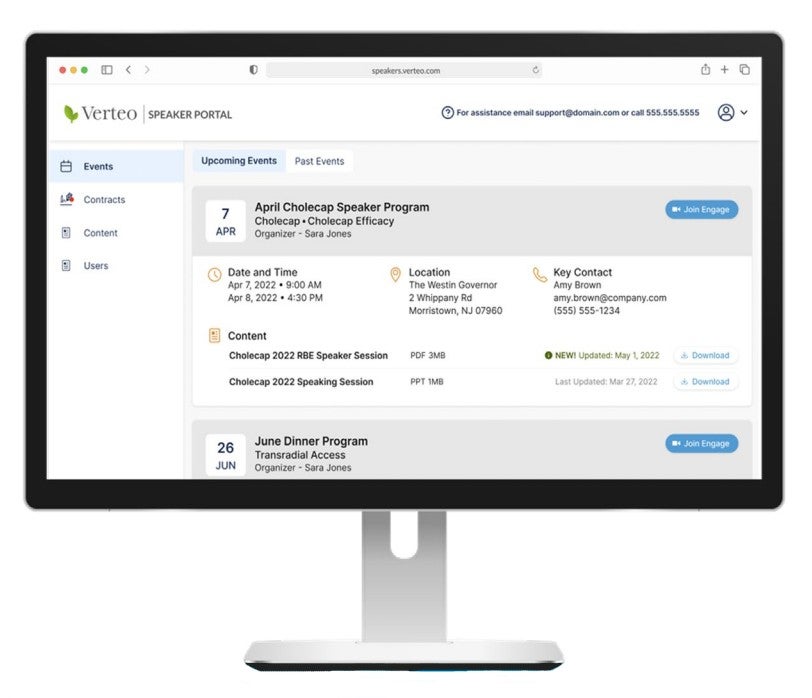
You’ve worked hard to find the perfect speakers for your event. Now, give them the information they need to succeed. The Speaker Portal in Events Management offers a reliable way for home office to present speakers with event information and materials in one convenient self-service hub.
A timeline for speakers shows them all of their upcoming and past events, and related event materials (such as presentation decks or handouts) display under the entry for each event. A dedicated contracts tab stores a speaker’s current and expired contracts for download at any time. If the event is conducted over Veeva Vault CRM Engage, speakers can also find the link to join right from the Speaker Portal.
Setup is easy. All of the configuration and administration for the portal can be done directly in Events Management. Once configured, a speaker’s event information and event collateral seamlessly flow into the Speaker Portal based on the speaker’s event data in Events Management. Home office eliminates another time consuming data feed, event speakers can spend less time searching for decks and PDFs, and everyone gets more time to focus on what they do best—putting on an engaging event.
How It Helps
IT
- Reduces integration burden—event information and content automatically populates the Speaker Portal
- Eliminates the need for custom-built event speaker portals
- Triggers event speaker sign-up flow with one button or via dataload
- Included as part of the Events Management license with no cap on the number of speakers
Event Organizer
- Minimizes email exchanges with speakers for locating event collateral
- Keeps events speakers informed of event time, place, and logistics
- Provides self-service speaker support resources accessible at any time
Resources
Stay up-to-date with the events community and get your questions answered by the Veeva team on Veeva Connect
Veeva CRM Online Help: Event Speaker Portal Introduction